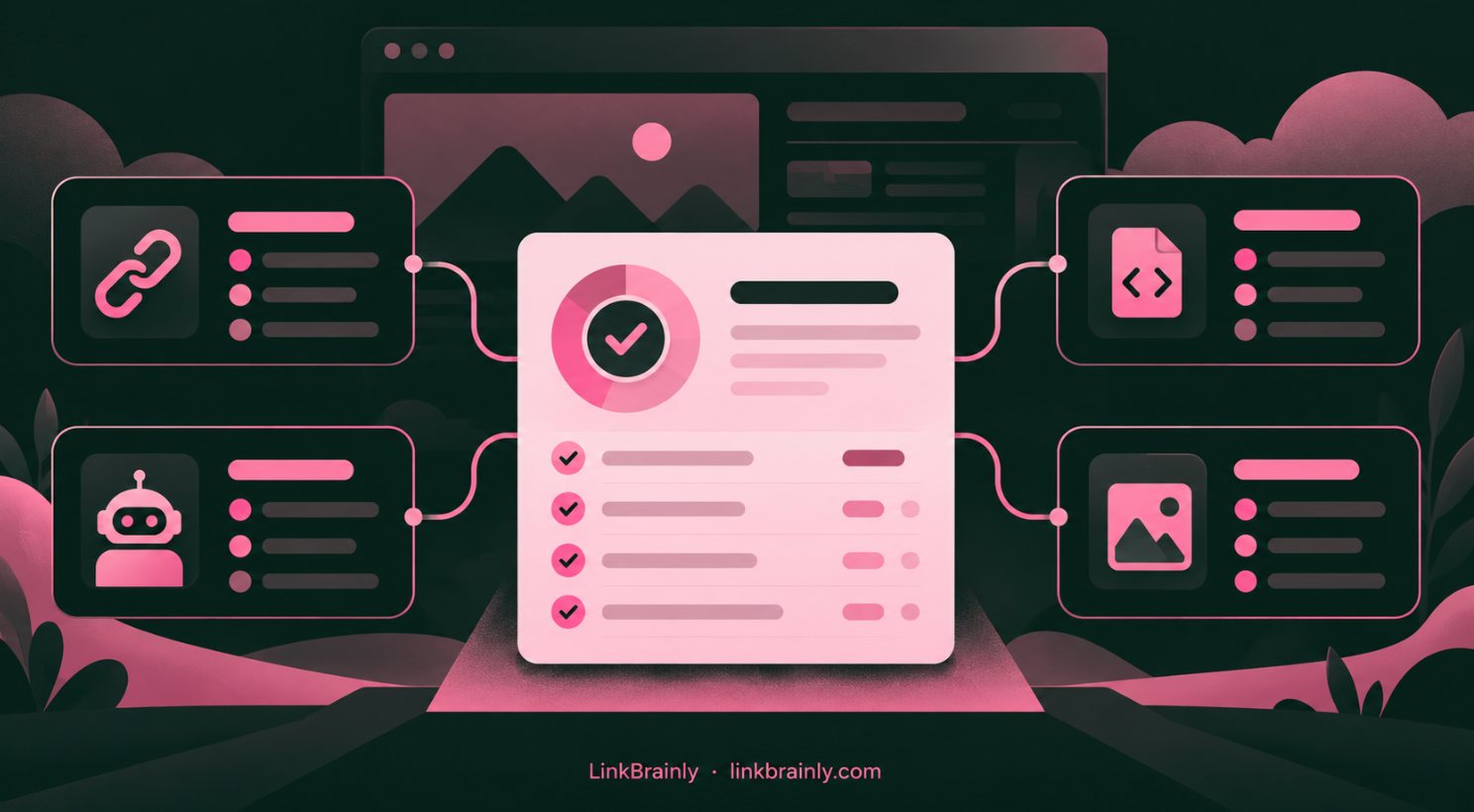
A site audit tool scans website pages for problems that can affect search visibility and visitor experience. It can flag issues such as broken internal links, pages search engines cannot access, missing meta descriptions, weak titles, and missing image alt text. The report shows what to review; you decide which fixes matter most.
A useful audit is a starting point for better decisions. It does not guarantee higher rankings, and it cannot decide whether every warning matters to your business. The value comes from finding real problems, checking them, and fixing the ones that block visitors or search engines.
Key takeaways
- A site audit tool crawls pages and reports technical and on-page SEO issues.
- Check what pages and issue types the tool covers before choosing one.
- Prioritise issues by impact on users, crawling, and important business pages.
- Recheck the affected URLs after making changes.
[Image 1: A website audit report grouping crawl, link, metadata and image issues]
What Is a Site Audit Tool?
A site audit tool crawls a website and checks its pages for issues. Depending on the tool, the report may cover broken links, crawl access, titles, meta descriptions, images, redirects, duplicate URLs, or other technical and on-page SEO details.
A crawl is an automated visit to pages on a website. The tool follows links or reads a sitemap, collects page information, and compares what it finds with a set of checks. The results are usually grouped by issue type, affected URL, or severity.
A site audit tool is useful because manually checking every page takes time. It can help a site owner find patterns, such as many pages with missing descriptions or several links that point to pages that no longer exist. A crawl report still needs human review: the tool may flag something that is intentional, low priority, or already being fixed.
Google describes crawling as the process of discovering and fetching pages. Google can discover URLs through links or a sitemap, but crawling does not guarantee that a page will be indexed. (Google Search Central: How Google Search works)
What Does a Site Audit Tool Check?
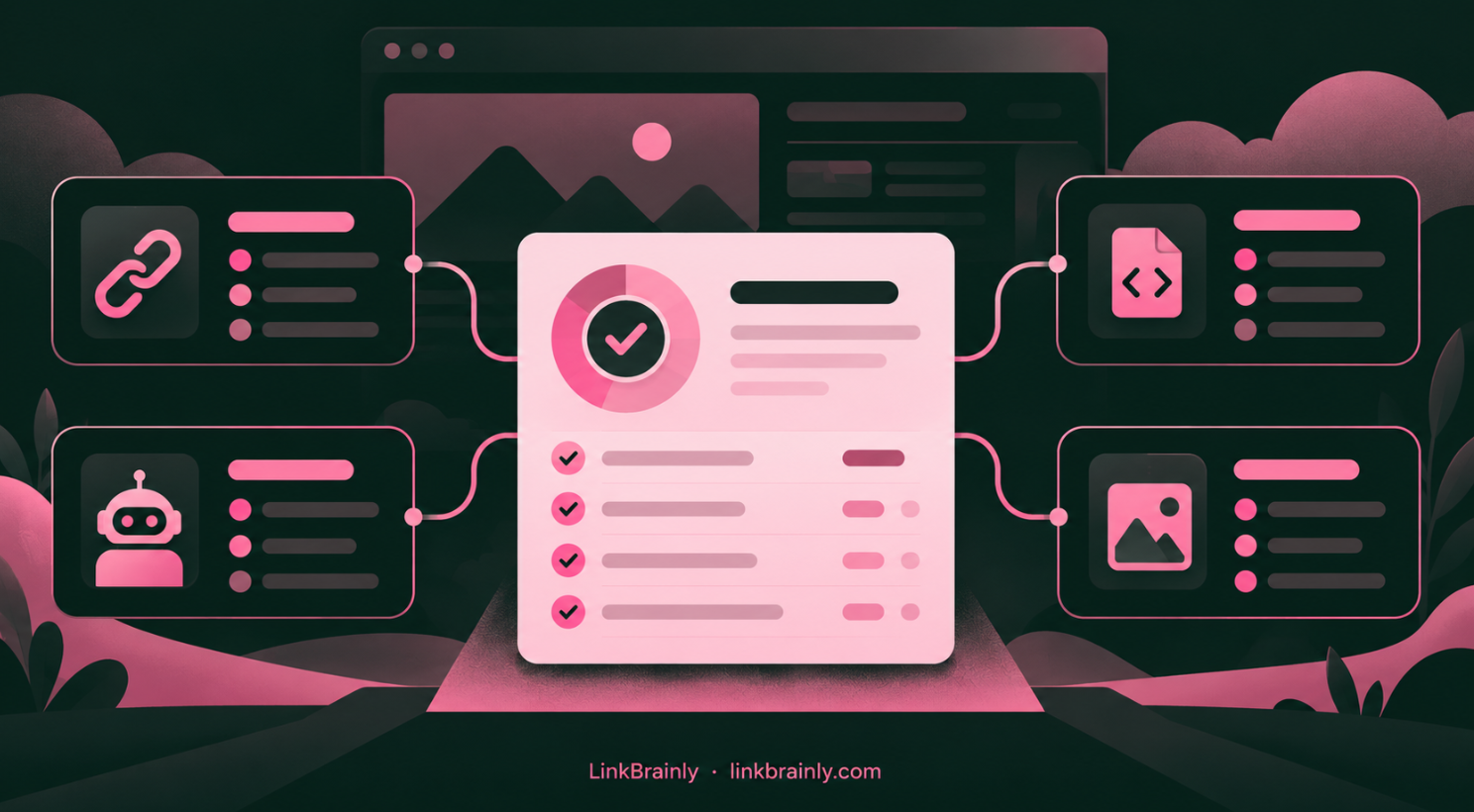
A site audit can check different parts of a website, so its coverage depends on the product. Before running a scan, check whether it reviews the issues that match your goal, such as internal links, indexing access, metadata, or image alt text.
| Audit area | What the tool may find | Why to review it |
|---|---|---|
| Internal links | Broken links, orphan pages, vague anchor text | Visitors and crawlers need useful paths between related pages |
| Crawl and index access | Blocked URLs, noindex settings, server errors | Important pages need to be accessible and eligible for indexing |
| Page metadata | Missing or weak titles and meta descriptions | These elements help describe pages in search results and site reports |
| Images | Missing alt text or heavy image files | Alt text describes image content; image weight can affect loading |
| Redirects and URLs | Redirect chains, old destinations, duplicate URL patterns | Outdated or confusing URL paths can waste visitor and crawler effort |
A site audit tool cannot tell you that every flagged issue is harmful. For example, a page may be intentionally excluded from search results, or a redirect may be part of a planned site structure. Review the URL and its purpose before changing it.
Internal Links and Orphan Pages
Internal link checks show how pages connect to one another. A broken internal link leads to a destination that no longer works. An orphan page has no internal links pointing to it, which can make it harder for visitors to find through normal navigation.
Google says it uses links to discover pages and understand destinations. It also recommends crawlable links with descriptive anchor text. (Google Search Central: Link best practices)
Crawl access and indexability

A site audit tool may flag pages that return errors or appear blocked from crawling. Google’s technical requirements include an accessible page, a successful HTTP response, and indexable content. Meeting those requirements makes a page eligible for indexing, but does not guarantee that Google will index it. (Google Search Central: Technical requirements)
Check the page before changing robots.txt or noindex settings. A robots.txt rule controls crawler access; it is not the same as a noindex instruction. (Google Search Central: Introduction to robots.txt)
How Do You Choose a Site Audit Tool?
Choose a site audit based on your site platform, the number of pages you need to check, and the issues you want to find. A small business website may need a clear report on broken links and metadata. A larger online store may need scheduled crawls, filters, exports, or checks across many product and category pages.
Use these questions to compare options:
- What does the tool check? Look for the issue types you need, not only a general health score.
- How many pages can it scan? Check page limits, crawl quotas, and whether subdomains are included.
- Can you identify affected URLs? A useful report should show which pages have each issue.
- Can you sort findings by priority? Clear severity labels can help you decide where to start.
- Does it fit your workflow? Consider whether you need a standalone crawler, a platform app, or a tool that works inside your CMS.
- Can you check the result after making a change? A second scan helps confirm whether the issue is resolved.
Free tools can be enough for an initial review, but coverage varies. Bing Webmaster Tools’ Site Scan, for example, can crawl a website, sitemap, or URL list and report errors, warnings, and notices. (Bing Webmaster Tools: Site Scan)
Google Search Console is useful for checking what Google reports about indexing and individual URLs. It answers different questions from a general site audit tool: its Page indexing report shows known indexing statuses, while URL Inspection lets you examine a specific URL. (Google Search Console: Page indexing report)
How Do You Run a Site Audit?
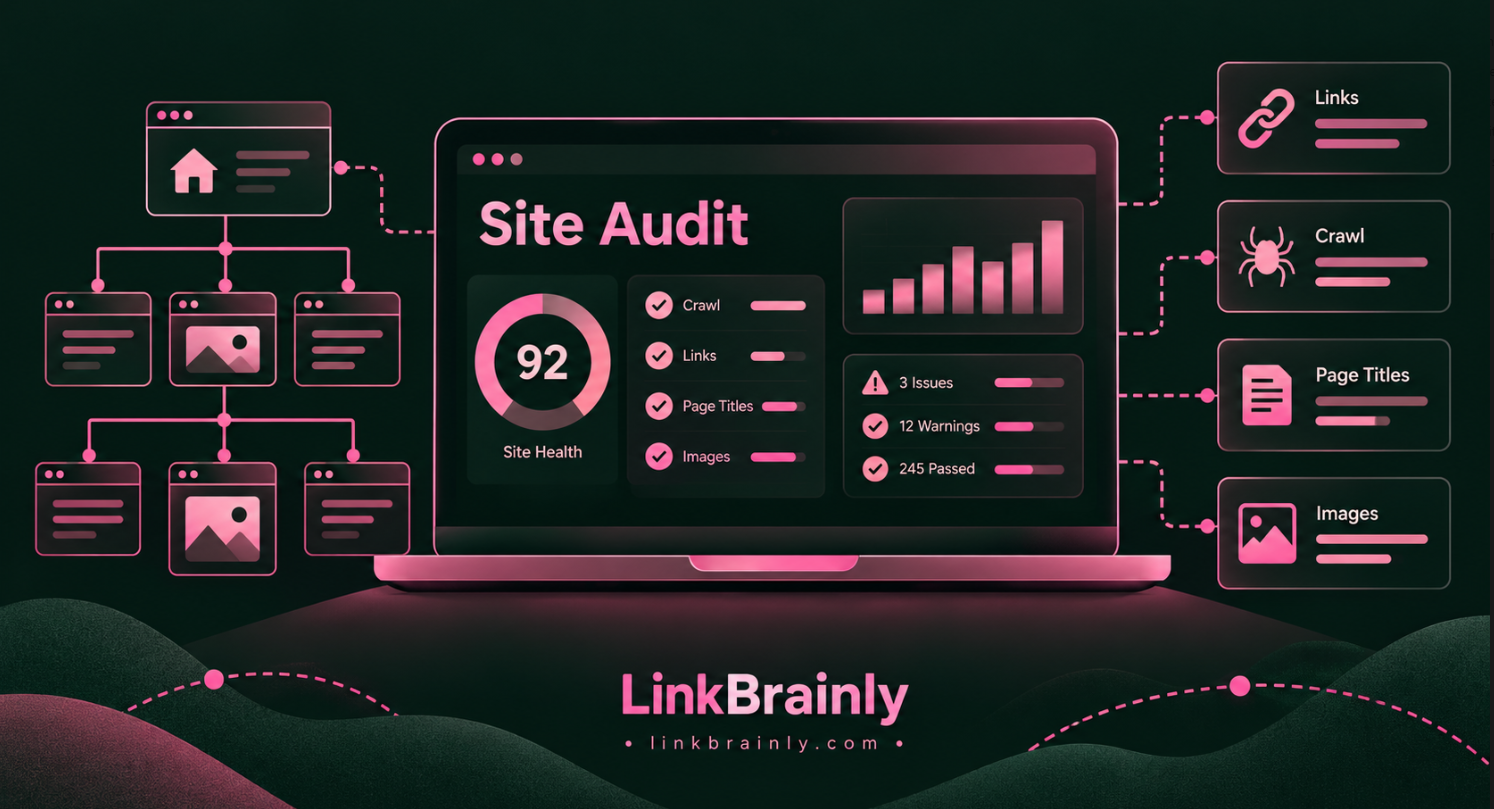
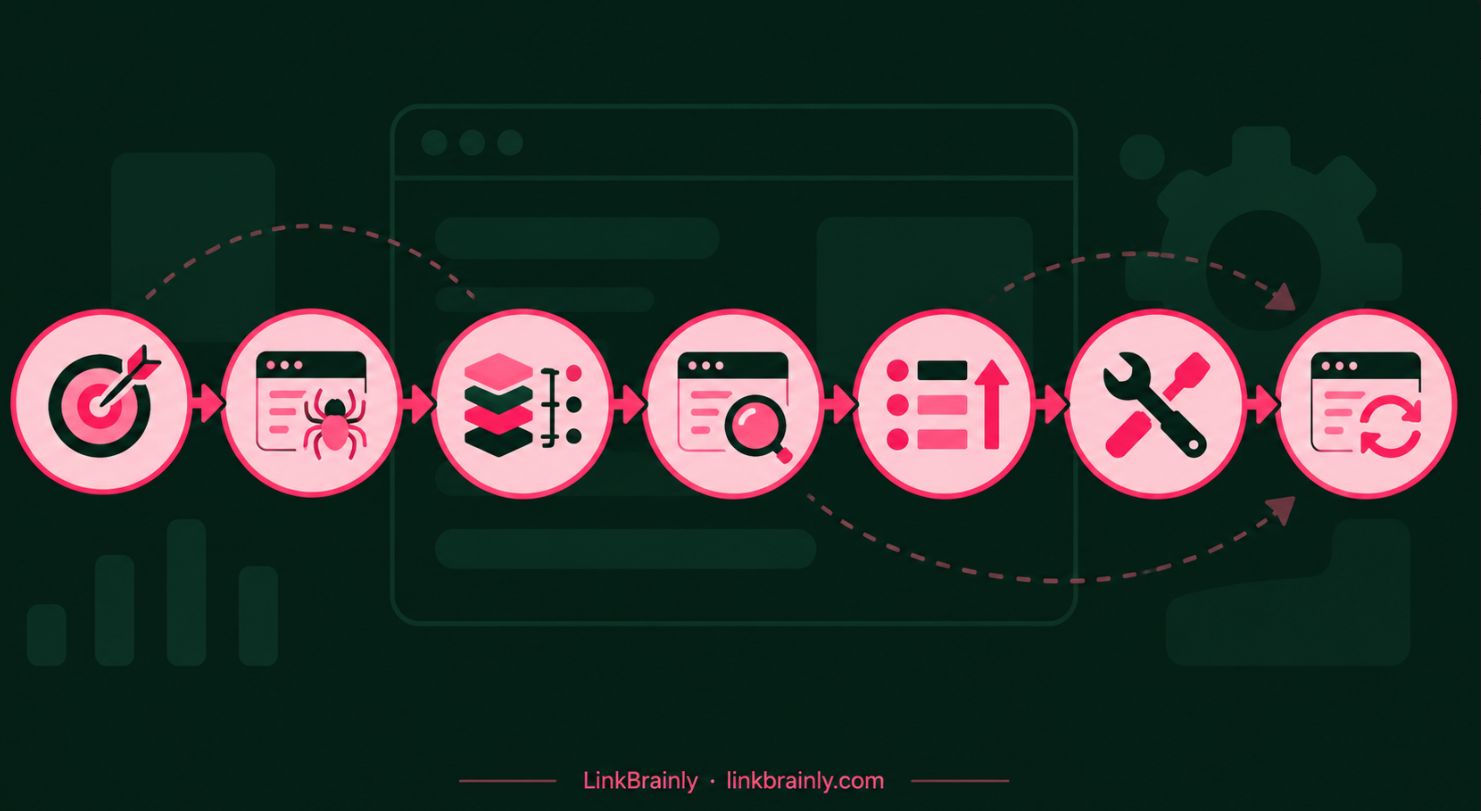
To run a site audit, enter the website address or sitemap, set the crawl scope, start the scan, and review the affected URLs. Start with your most important pages if the tool has a page limit.
- Choose the scope. Decide whether to scan the whole site, one directory, a sitemap, or a list of URLs.
- Run the crawl. Wait for the report to finish and note any crawl errors that may have limited coverage.
- Group similar issues. Look for patterns across pages, such as missing titles or links pointing to the same broken destination.
- Check the context. Open example URLs and confirm whether the issue needs a fix.
- Prioritise the work. Start with problems affecting important pages or blocking users and crawlers.
- Make and record changes. Note what changed and which URLs were affected.
- Run another scan. Confirm that the fix worked and check for issues that appeared after the change.
For indexing questions, use Google’s tools alongside the crawl report. Google’s URL Inspection tool shows information about a specific URL in Google’s index and can test whether the current version may be indexable. (Google Search Console: URL Inspection tool)
[Image 2: Seven steps from setting the crawl scope to checking fixes]
Which site audit issues should you fix first?
Fix the issues that affect important pages, block access, or prevent visitors from reaching the content they expect. A long audit report can contain low-priority notices, so work from impact rather than trying to clear every warning at once.
A practical order is:
- Broken pages and links on key journeys. Fix issues on product, service, category, and contact pages first.
- Accidental crawl or index blocks. Check whether important pages are unintentionally blocked or marked noindex.
- Orphan pages with a clear purpose. Add relevant links from related pages if visitors should be able to find them.
- Missing or weak titles and meta descriptions. Improve pages where the metadata is absent or does not describe the page.
- Image and performance concerns. Review missing alt text and heavy images, especially on pages that matter to customers.
Do not automatically remove every page that is not indexed. Google notes that non-indexed pages can be expected, such as duplicates or pages intentionally excluded from search. Review the reason and the page’s role first. (Google Search Central: Page indexing report guidance)
How Often Should You Use a Site Audit Tool?
Use a site audit tool after major site changes and on a schedule that fits how often your pages change. A store with frequent product updates may benefit from more regular checks than a small brochure site that rarely changes.
Run an audit after:
- Moving to a new website platform or changing the site structure.
- Updating navigation, product categories, or internal links.
- Changing robots.txt, redirects, or index settings.
- Publishing a large batch of new pages.
- Noticing broken pages or a sudden change in search performance.
A recurring schedule can help you catch new problems earlier, but the right frequency depends on your site and team. Keep a record of scan dates and fixes so you can compare reports and avoid reopening the same issue without new evidence.
How LinkBrainly Helps with a Site Audit
LinkBrainly’s free website audit checks up to 200 pages for internal link and SEO issues. It can find orphan pages, broken internal links, vague anchors such as “click here,” missing meta descriptions, weak titles, missing alt text, and heavy images.
After a scan, review the affected URLs and decide which findings are relevant to your site. LinkBrainly can also suggest internal links inside sentences that already exist on your pages. Check that each suggested destination genuinely helps the reader before adding the link.
For WordPress, the LinkBrainly plugin works alongside Yoast SEO, Rank Math, AIOSEO, and SEOPress, and changes can be undone. Shopify store owners can manage links, meta descriptions, and alt text in the admin through the LinkBrainly Shopify app.
A site audit tool is most useful when its report leads to clear fixes. Start with a manageable set of pages, check the URLs behind the warnings, and verify changes with another scan. For a broader explanation of SEO, see what search engine optimization means.
Start with the LinkBrainly website audit to check up to 200 pages for internal link and SEO issues. Follow LinkBrainly on LinkedIn for more website audit and SEO guidance.
Frequently asked questions
What is a site audit tool?
A site audit tool crawls website pages and reports issues that may affect SEO or usability. Depending on the tool, it can check internal links, metadata, crawl access, redirects, and images.
Is there a free site audit tool?
Yes. Some SEO platforms and webmaster services offer free audits or crawls, though page limits and issue coverage vary. LinkBrainly’s free website audit checks up to 200 pages for internal link and SEO issues.
What should a site audit include?
A site audit should check the areas that matter to your site, such as broken links, crawl access, page titles, meta descriptions, and image alt text. Confirm that the tool shows the affected URLs so you can investigate each finding.
Does a site audit tool fix SEO issues automatically?
Some tools offer suggested changes or editing features, but an audit report usually identifies issues for review. Check the page and its purpose before applying a fix, especially for redirects, indexing settings, and duplicate URLs.
Can a site audit guarantee better Google rankings?
No. A site audit can help identify technical and on-page issues, but fixing them does not guarantee rankings or indexing. Google says that meeting its technical requirements makes a page eligible for indexing, but indexing is not guaranteed.